
Menu
My DIA App
Navigate DIA Conferences from Your Smart Device!
📱 Get the App for the Best Experience
Plan your agenda, receive real-time updates, and connect with attendees — all in one place.
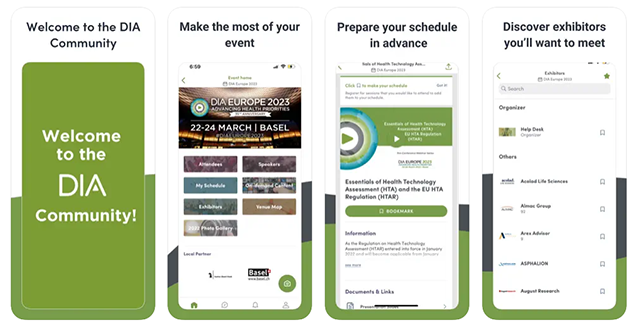
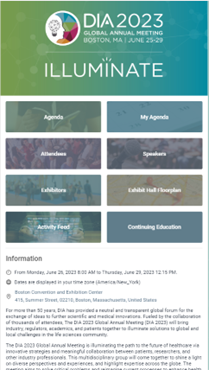
Benefits of the App
- Activity Stream that provides real-time updates
- Manage your conference agenda and curate a personal experience
- Connect and network with conference attendees
- Find exhibitors on the floor plan, view their information, and search booth numbers
- Browse and bookmark speakers, sessions, and exhibitors for one-touch access
- Send and receive meeting invites from conference participants
- Integration with your social media channels
Preview
How to Download
To download, search for “My DIA” in your device’s app store.
- Log in with your DIA username and password.
- Access information for the events you’re registered for.
- Select your meeting (the app will only display conferences you are registered to attend).
Tip: To enjoy the full benefits of the app and avoid delays, attendees are encouraged to download the app prior to arrival.
Not able to access an Apple or Android product?
Access the Mobile Web version (browser-based) on most web-enabled smartphones. Please refer to your Know Before You Go email for access instructions for your specific event.